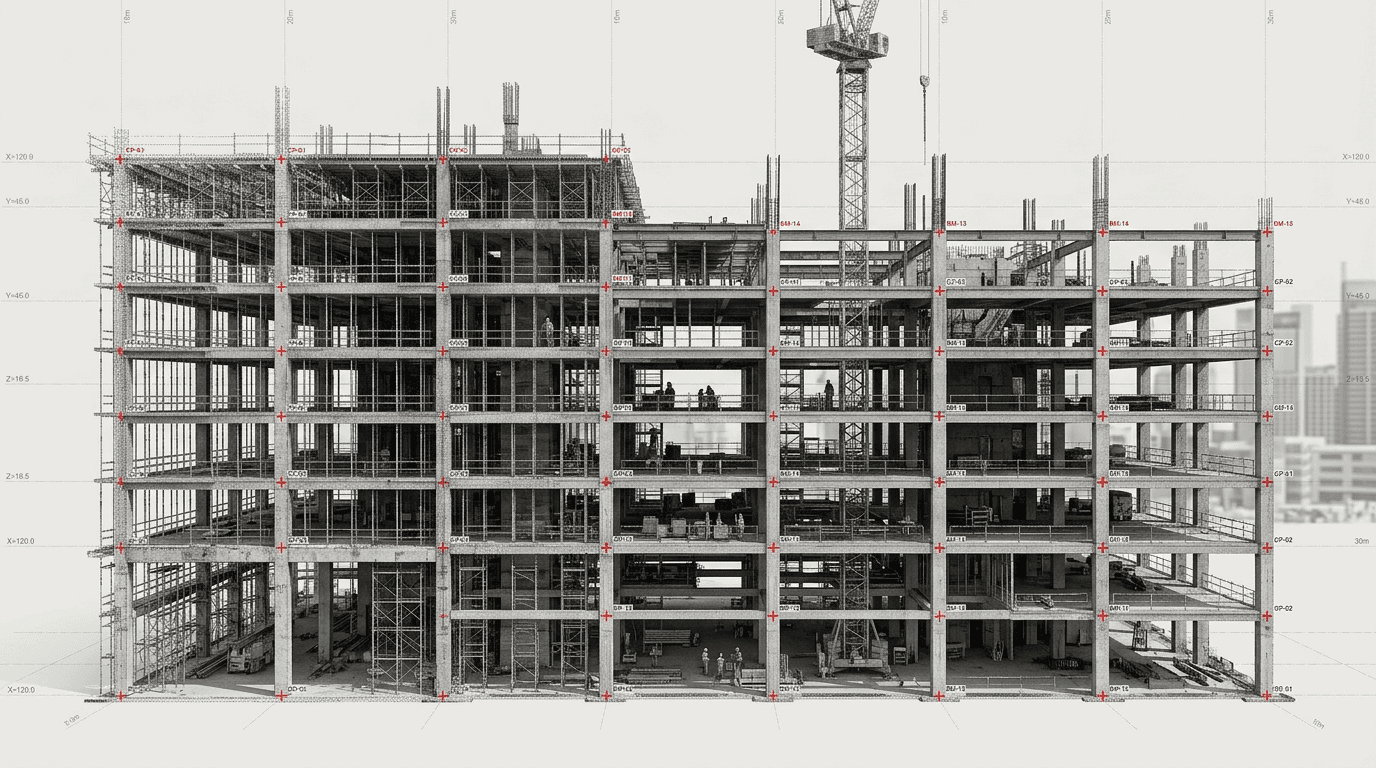
Point cloud
data processing

Registration, cleaning, CAD/BIM preparation
and export in required formats

We turn raw scans into production-ready data for project teams

What you get

Cleanedpoint cloud

DWG / DXF / PDFdrawings

BIM: Revit,Archicad, IFC

Archive and handoffin SPLINE360

Tasks

When scan data processing is needed

  • The cloud exists, but it is hard to use

    Files are too heavy or unstructured, contain extra points, noise, duplicates, artifacts, or are not split by floors and zones.

  • Scans need registration

    Stations need to be merged, registration quality checked, data moved into one coordinate system and prepared as a final cloud.

  • Designers need clear source data

    Architects, BIM specialists or contractors need a ready-to-work package instead of a confusing set of files.

  • DWG / BIM / IFC is needed from the cloud

    The point cloud must become the basis for drawings, a 3D model, a BIM model or as-built documentation.

  • There is no in-house processing team

    Scanning was done in-house or by another contractor, but there is not enough time, people or expertise to process the data.

  • Data must match a corporate standard

    Formats, layers, file names, folder structure, DWG templates, BIM team requirements or client standards.

Deliverables

What the client receives

  • Prepared point cloud

    • Registered point cloud
    • Cleaned point cloud
    • Split by zones, floors or buildings
    • Decimation for working tasks
    • Registration quality control
    • E57 / RCP / RCS / LAS / LAZ
  • CAD data

    • DWG
    • DXF
    • Plans
    • Sections
    • Facades
    • Orthophotos
    • Point cloud underlays
  • BIM data

    • Point cloud preparation for Revit
    • Point cloud preparation for Archicad
    • IFC when needed
    • Structure for Scan-to-BIM
    • Existing-condition model
    • Model and cloud coordination
  • Client handoff package

    • Project archive
    • Folder structure
    • Technical description
    • Data contents report
    • Cloud storage links
    • Materials for SPLINE360.SPACE
For estimation

Source data needed

For a preliminary estimate, send a data sample, task description, desired output formats and object volume. If the files are large, you can share a cloud storage link or a test fragment.

  • Data type: E57, RCP, LAS, LAZ, PTX, PTS, XYZ
  • Number of stations or cloud size
  • Object: apartment, office, facade, building, territory, industrial facility
  • Needed result: clean cloud, DWG, BIM, IFC, orthophoto, report
  • Required formats
  • Existing drawings, brief, photos, panoramas
  • Coordinate and georeferencing requirements
  • Timeline and priorities
  • Corporate drafting standards
Source data

Data we work with

  • E57
  • RCP / RCS
  • LAS / LAZ
  • PTS / PTX / XYZ when needed
  • Individual station data
  • Single registered cloud
  • Panoramas
  • Object photographs
  • Existing drawings
  • Project documentation
  • Client brief
  • Corporate DWG / BIM templates
Metrics

In numbers

2016
working with laser scanning, measured surveys and BIM modeling
900+
projects per year pass through the SPLINE.PRO production workflow
E57 / RCP / DWG / BIM
core formats for point clouds, drawings and models
10–15mm
typical working cloud decimation for Archicad, Revit, AutoCAD and design tasks when suitable
1project
from one object to a series of spaces, a network portfolio or an ongoing data flow
Scope
timeline and processing scope depend on data volume, scan quality, station count, formats and deliverables
Process

How the work goes

  1. 01

    Request and source data

    The client shares scans, point clouds, panoramas, existing drawings, the brief, format requirements and task description.

  2. 02

    Data audit

    We check file volume, scan quality, overlaps, station structure, noise, gaps and suitability for the required result.

  3. 03

    Registration and cloud preparation

    We register stations, check errors, clean noise, remove extra elements and bring the data into a working state.

  4. 04

    Structuring

    We split the cloud by floors, zones, buildings or rooms and set up a convenient file and naming structure.

  5. 05

    Export and deliverable production

    We prepare E57, RCP/RCS, LAS/LAZ, DWG, PDF, a BIM model, orthophotos or another agreed package.

  6. 06

    Handoff and support

    We hand over the archive, data structure, links and usage notes, and can support the design team when needed.
Technologies and tools

Software and production workflow

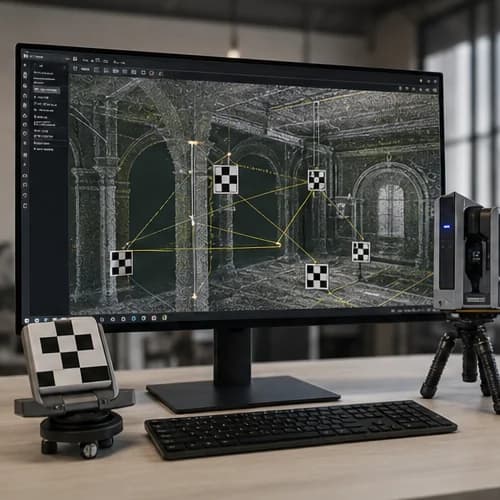
  • Diagram of scan data processing step Cloud registration and control

    Cloud registration and control

    Registration, overlap checks, error control and preparation of one point cloud.
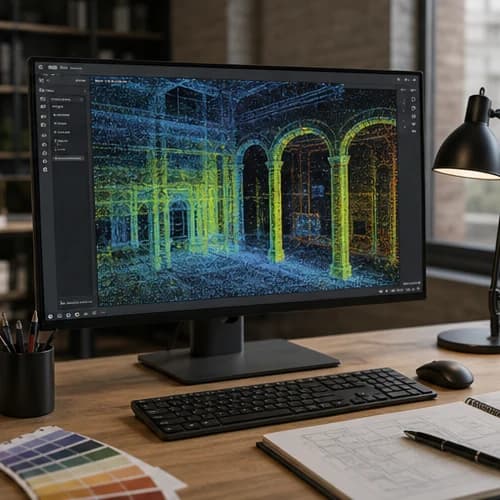
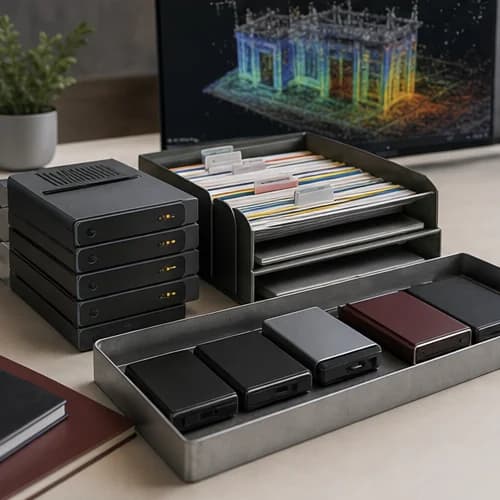
  • Diagram of scan data processing step Cleaning and structuring

    Cleaning and structuring

    Noise and extra point removal, temporary object cleanup, splitting by floors, zones, rooms and buildings.
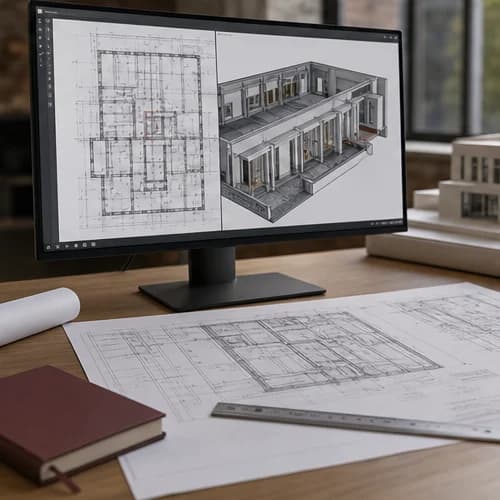
  • Diagram of scan data processing step Export and conversion

    Export and conversion

    Preparing data in E57, RCP, RCS, LAS, LAZ, DWG, DXF, IFC and other agreed formats.
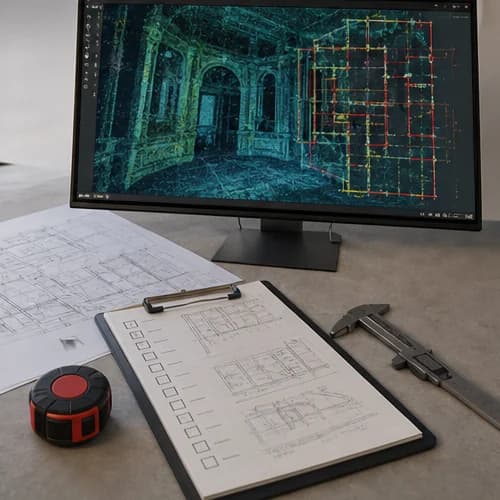
  • Diagram of scan data processing step CAD / BIM preparation

    CAD / BIM preparation

    Point cloud and underlay preparation for AutoCAD, Revit, Archicad, Recap, Cyclone and further modeling.
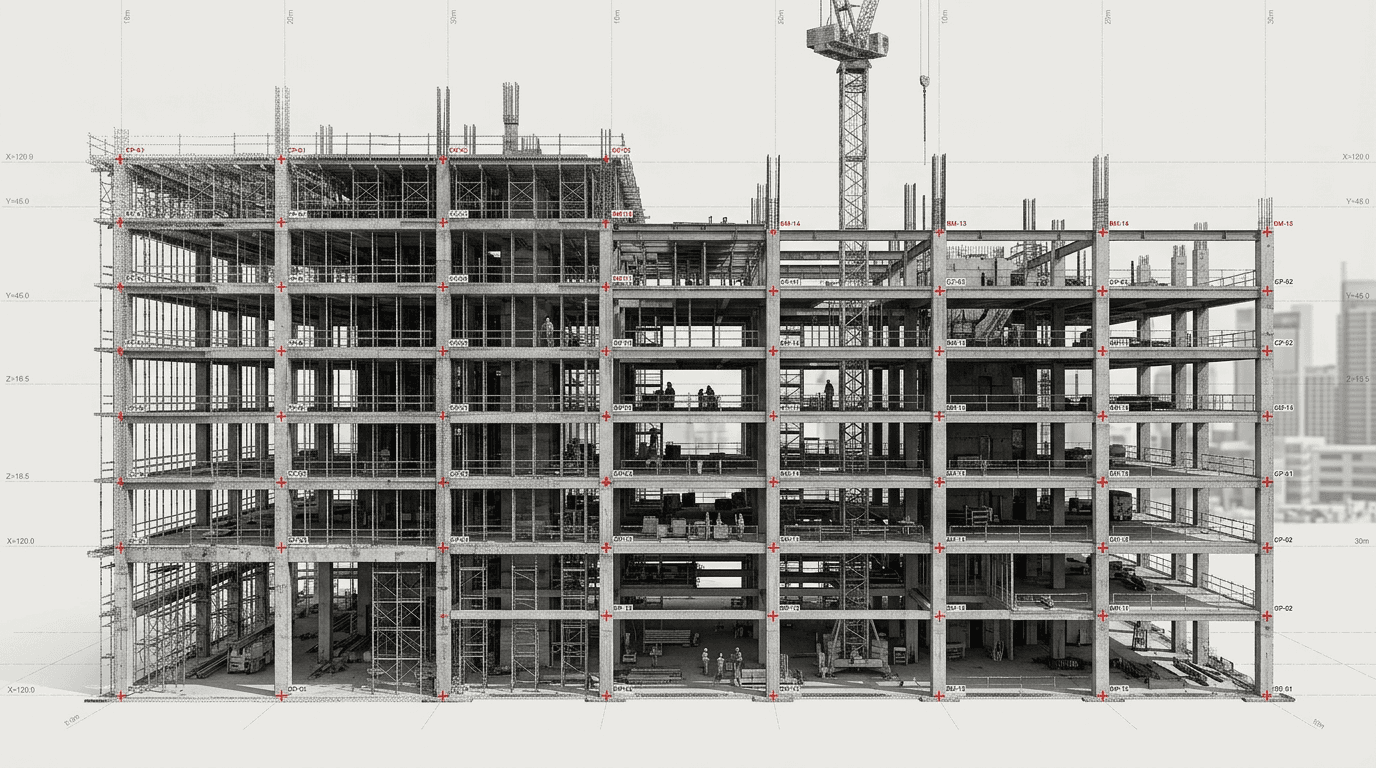
  • Diagram of scan data processing step Quality control

    Quality control

    Checking structure, data completeness, file readability, brief compliance, names and output formats.
Cases

Real case studies

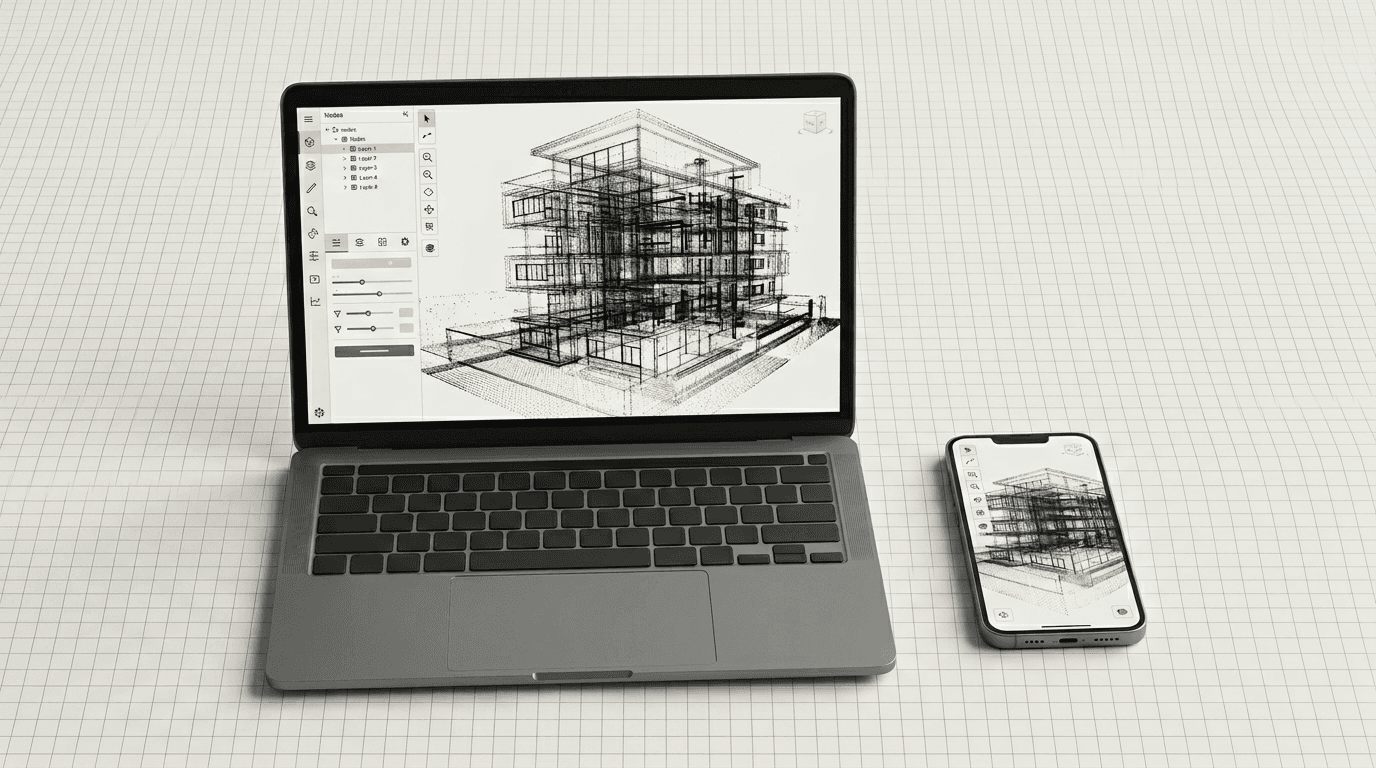
SPLINE360 platform interface on laptop and mobile devices
Data access

Data handoff and viewing in SPLINE360.SPACE

Processed point clouds, panoramas, images, file links and project materials can be combined in one project space. This is useful for handing over large data, remote checks, comments and shared work by the design team.

  • View data in a browser
  • Panoramas and photo capture
  • Object structure
  • Archive links
  • Team access
  • Secure file transfer
  • Comments and data discussion
Expert note

When additional or repeat scanning is needed

Processing can greatly improve the structure and usability of data, but it cannot create information where none exists. If areas are missing, overlaps are insufficient, noise is severe, rooms are closed or field-stage errors are present, additional or repeat scanning may be needed.

  • Important rooms or zones are missing
  • Too little overlap between stations
  • Too much noise or people in the scans
  • Ceilings, engineering systems or facades lack data
  • Coordinate reference is required by the brief but absent
  • Source files are damaged or incomplete
  • The required result cannot be produced from the available data density
Export

Output formats

  • Point clouds

    • E57
    • RCP
    • RCS
    • LAS
    • LAZ
    • PTX / PTS / XYZ when needed
  • CAD

    • DWG
    • DXF
    • PDF
    • Underlays
    • Plans
    • Sections
    • Facades
    • Unfoldings
  • BIM

    • RVT
    • IFC
    • PLN
    • Existing-condition models
    • Preparation for Revit / Archicad
  • Images and orthophotos

    • TIFF
    • JPG
    • PNG
    • PDF
  • Project handoff

    • Project archive
    • Folder structure
    • Technical description
    • Cloud storage links
    • Materials for SPLINE360.SPACE
Teams

Who it is for

  • Scanning teams and surveyors

    For outsourcing office processing when field data is already collected, but time or team capacity is missing.

  • Architects and designers

    For usable clouds, DWG files, underlays, models and source data for design work.

  • BIM teams

    For point cloud preparation, file structure, IFC/RVT/PLN and materials for Scan-to-BIM.

  • Developers and owners

    For standardizing data across an object portfolio, handing it to designers and controlling the actual state.

  • Construction companies

    For processing as-built scans, comparing actual state with design and preparing reporting data.

  • Restoration teams

    For preparing clouds, orthophotos, meshes, drawings and materials for historic objects.

FAQ

Frequently asked questions

  • Can you process data if you did not perform the scanning?

    Yes. You can share E57, RCP/RCS, LAS/LAZ, PTX/PTS, XYZ or other source data. First we check cloud quality, file structure and whether the needed result can be produced.
  • What is included in point cloud processing?

    Depending on the task: station registration, noise cleaning, extra object removal, zoning, decimation, export to required formats, CAD/BIM preparation and handoff to the project team.
  • Can I get only a cleaned cloud without drawings?

    Yes. If the client has their own design or BIM team, we can prepare only the point cloud in a convenient format: E57, RCP/RCS, LAS/LAZ or another agreed option.
  • Can you create DWG or BIM from a cloud?

    Yes. From a processed cloud we can prepare DWG drawings, a 3D model, a BIM model in Revit, Archicad or IFC. The deliverable scope is agreed before work starts.
  • What if the cloud is too heavy?

    We can decimate it, slice it by floors and zones, export working formats and prepare lighter versions for designers.
  • Can you work with individual station data?

    Yes, if the source data allows registration. Before processing, we need to check overlaps, station quality, coordinates and data completeness.
  • How do we know if the source data is suitable?

    We can run a preliminary audit: check volume, formats, scan quality, gaps, noise, overlaps and whether the data matches the task.
  • What formats do you accept?

    E57, RCP, RCS, LAS, LAZ, PTX, PTS, XYZ and other formats by agreement. You can also share panoramas, photos, existing drawings and a brief.
  • How are large files transferred?

    Through an agreed cloud storage, an archive link, the client's corporate storage or SPLINE360.SPACE if the project is managed on the platform.
  • Can you sign an NDA?

    Yes. For banks, industrial facilities, private objects and restricted projects we can work under an NDA and an agreed access protocol.

Get a scan data processing quote

Send a cloud sample, task description and desired output formats — we will check the source data and suggest the processing scope.

Request a quote

Service: scan-data-processing

[EN] How would you like us to contact you?

[EN] Files

[EN] Optional. Up to 15 files, 50 MiB each, ~750 MiB combined. Executable types (.exe, .bat, …) blocked. Passed in memory only — not stored on the site server.

Back to home