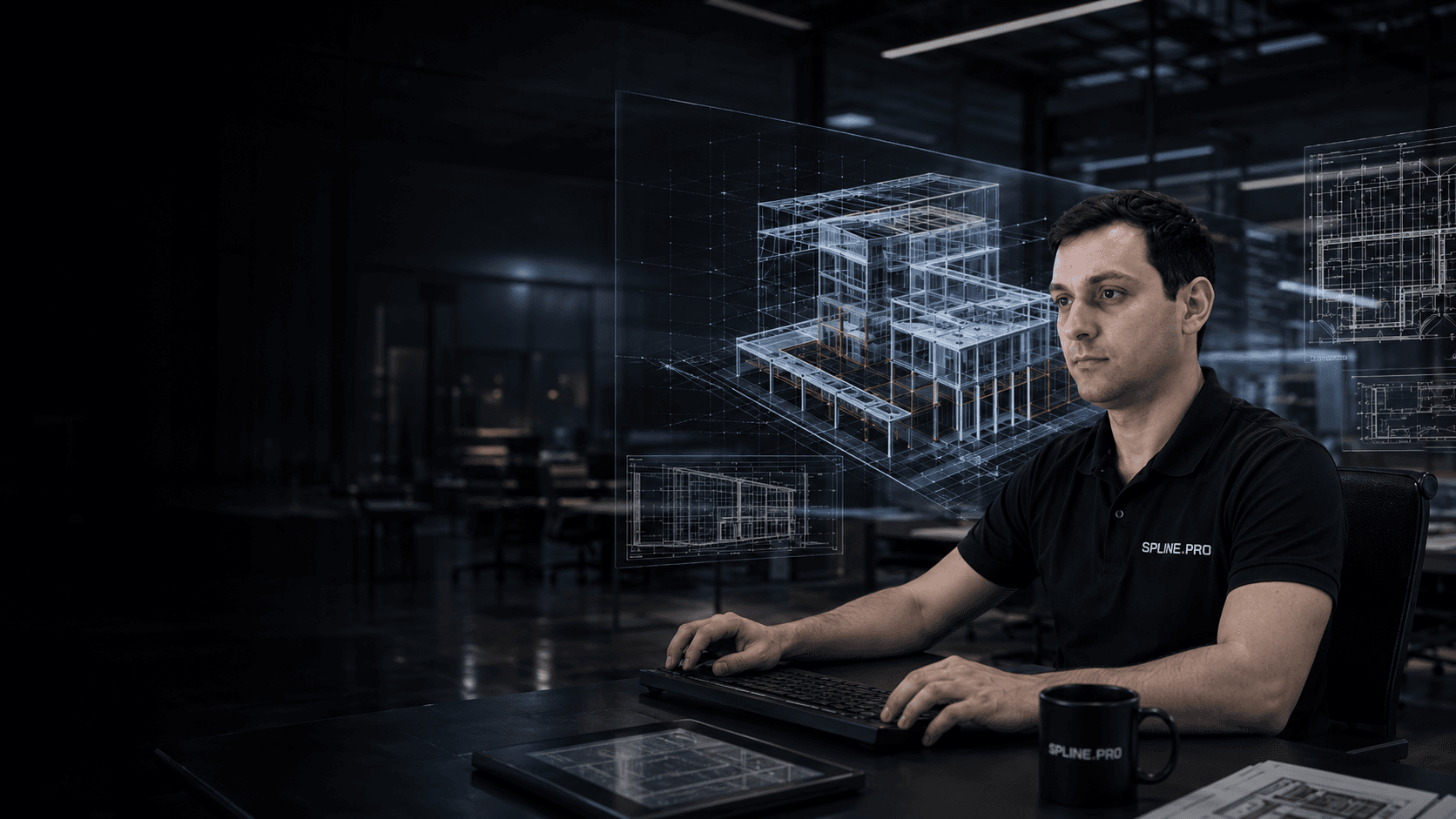
3D / BIM
modeling

Accurate 3D and BIM models
from point clouds, drawings and surveys

Revit, Archicad, IFC, SketchUp and documentation sets for projects

What you get

BIM modelRevit / Archicad

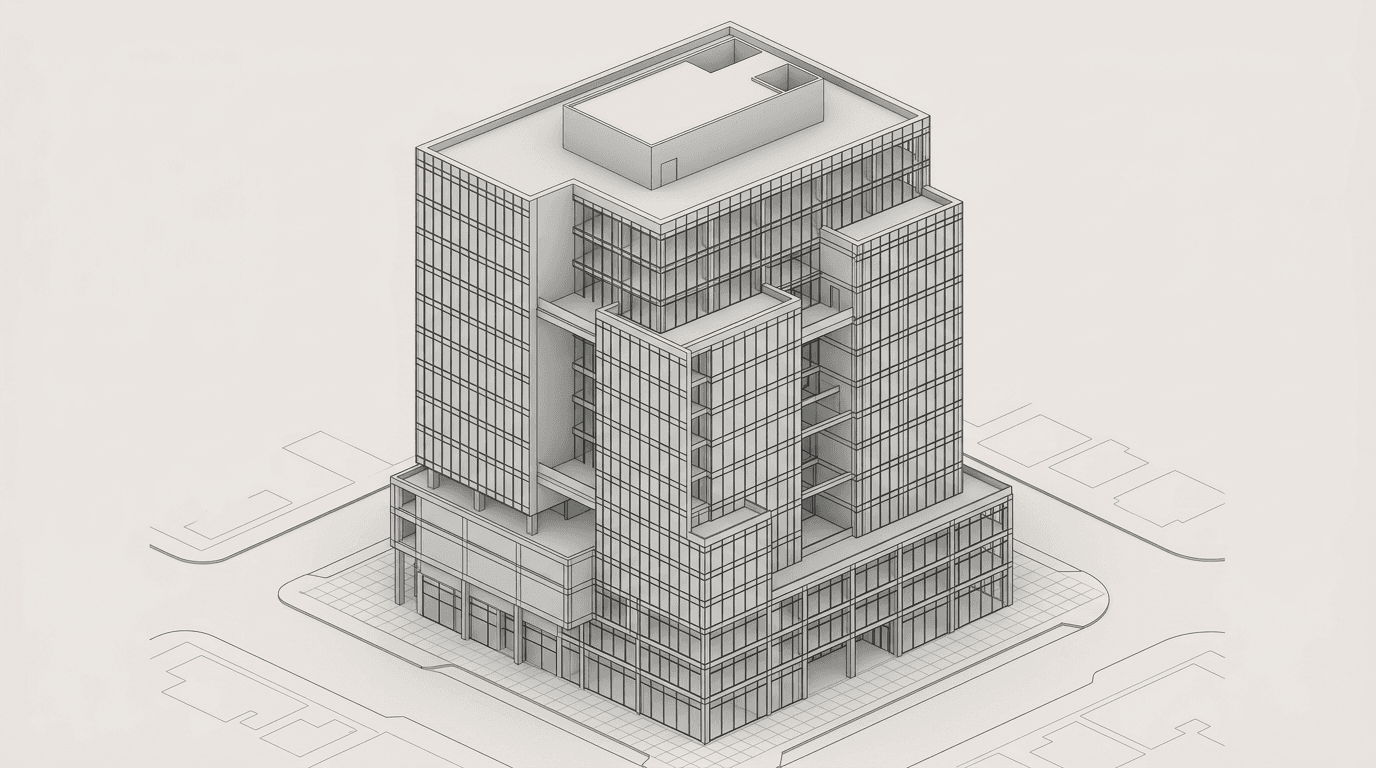
3D modelof the object

DrawingsDWG / PDF

Data formatsRVT, IFC,PLN, SKP

Tasks

When 3D / BIM modeling is needed

  • A working BIM model is needed

    Design, reconstruction, survey or operation requires a precise digital model.

  • A point cloud must become a project base

    Raw scans are hard for designers to use, so they must become a clear model and drawings.

  • The team needs one shared model

    Architects, engineers and contractors need a shared geometric base.

  • Revit, Archicad, IFC or SketchUp are required

    The model must open in the required software and match the team's standards.

  • Drawings and documentation are needed

    Plans, sections, facades, elevations and DWG/PDF deliverables are required.

Result

Model and documentation package

  • BIM model

    • Revit model from point cloud or drawings
    • Archicad / PLN for the project task
    • IFC for coordination and exchange
    • Storeys, grids, levels and base parameters
    • Families and elements at agreed detail
  • 3D model

    • Accurate object geometry
    • Surfaces, slabs, walls and structures
    • Openings, stairs, shafts and complex zones
    • Engineering elements by agreed scope
    • Object context aligned with factual data
  • Drawings

    • Floor plans
    • Sections
    • Facades
    • Elevations and details by task
    • Delivery in DWG and PDF
  • Data handoff

    • Structured model and drawing archive
    • Point cloud link when needed
    • Formats for the project team
    • Model QA before delivery
    • Comments on assumptions and model scope
For quote

Source data we need

A point cloud is the best basis. If there is no cloud, we can work from drawings, measured surveys, photos and a technical brief.

  • Point cloud in E57, RCP/RCS, LAS/LAZ or another format
  • Existing drawings, plans, sections and project materials
  • Object type and model purpose
  • Required detail and element scope
  • Delivery formats: RVT, PLN, IFC, SKP, DWG, PDF
  • BIM standard, template or client requirements
  • Timeline and priority modeling zones
Objects

What we model

  • Buildings and structures
  • Interiors and spaces
  • Facades and roofs
  • Heritage objects
  • Industrial facilities
  • Engineering systems and technical zones
See all objects
Metrics

Delivery parameters

RVT+IFC
core BIM formats
up toLOD300+
detail by project task
Scanto BIM
modeling from point clouds
from5days
for small modeling tasks
Process

How we work

  1. 01

    Request and brief

    We clarify task, format, detail, source data and timeline.

  2. 02

    Model scope

    We fix element scope, modeling zones, LOD and documentation requirements.

  3. 03

    Source data

    We receive point clouds, drawings, photos, project data or arrange scanning.

  4. 04

    Modeling

    We create the 3D/BIM model and drawing set according to the agreed structure.

  5. 05

    QA

    We check the model against source data, formats, layers, parameters and deliverables.

  6. 06

    Delivery

    We deliver archive, model, drawings and notes on the completed scope.
Tools

Software and QA workflow

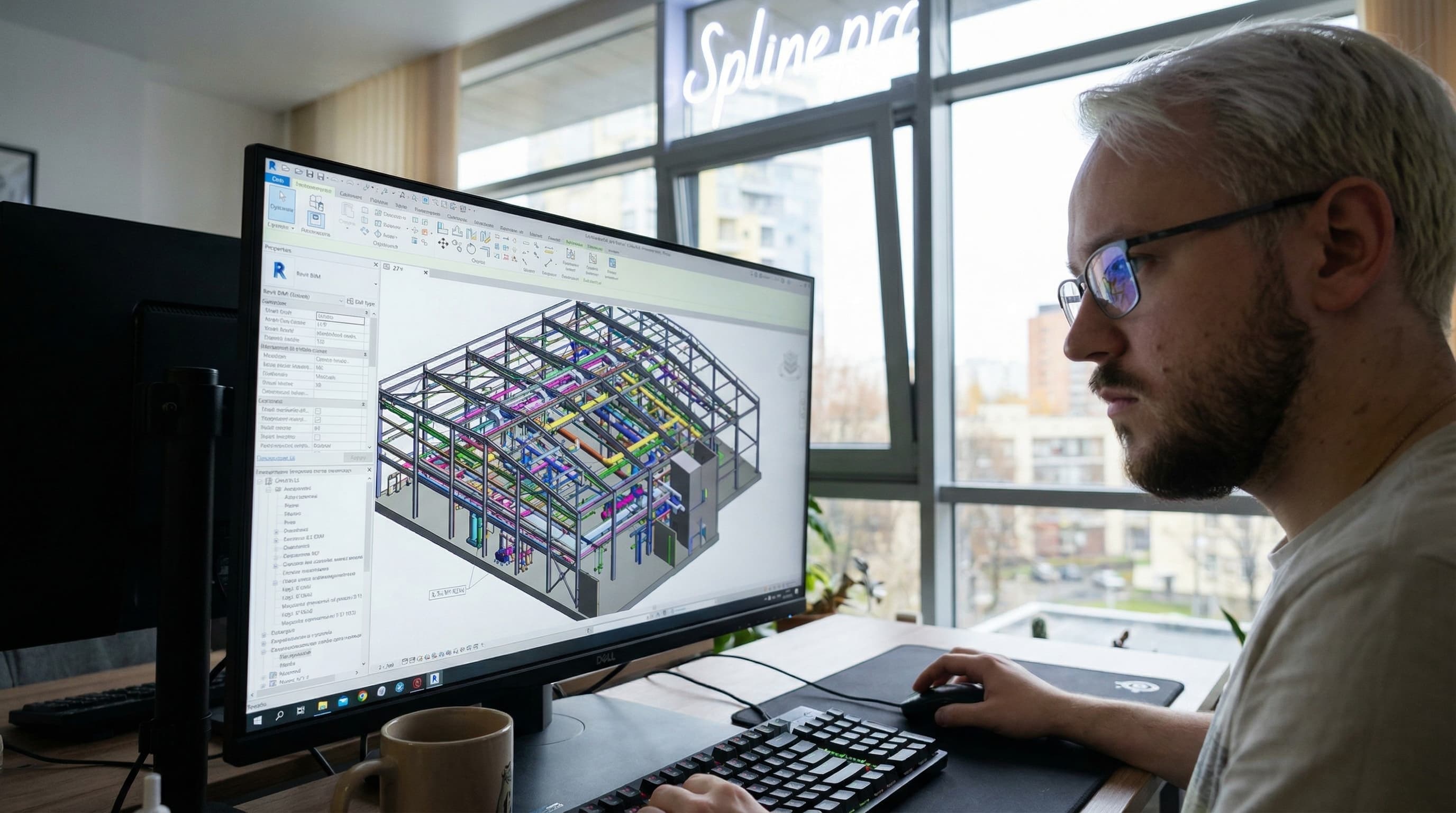
  • Autodesk Revit for 3D / BIM modeling

    Autodesk Revit

    BIM models, families, parameters and documentation for project teams.
  • Archicad for 3D / BIM modeling

    Archicad

    Architectural models and documentation with IFC exchange.

  • Point cloud workflow for 3D / BIM modeling

    Point cloud workflow

    Point cloud workflows, registration checks and factual geometry control.

  • QA / drawings check for 3D / BIM modeling

    QA / drawings check

    Drawing, format, archive structure and agreed detail QA.
Examples

Typical modeling scenarios

  • Scan-to-BIM
    Type
    Scan-to-BIM
    Object
    Building or interior
    Work
    Model from point cloud, capturing levels, walls, openings and structures.
    Result
    BIM model and drawings for design or reconstruction.
  • Model plus drawings
    Type
    Model plus drawings
    Object
    Architectural object
    Work
    Create model, plans, sections, facades and DWG/PDF set.
    Result
    Documentation for the project team and approvals.
  • Data preparation
    Type
    Data preparation
    Object
    Point cloud and scan archive
    Work
    Structure source data, check zones and prepare a base for modeling.
    Result
    Clean basis for Revit, Archicad, IFC or SketchUp.
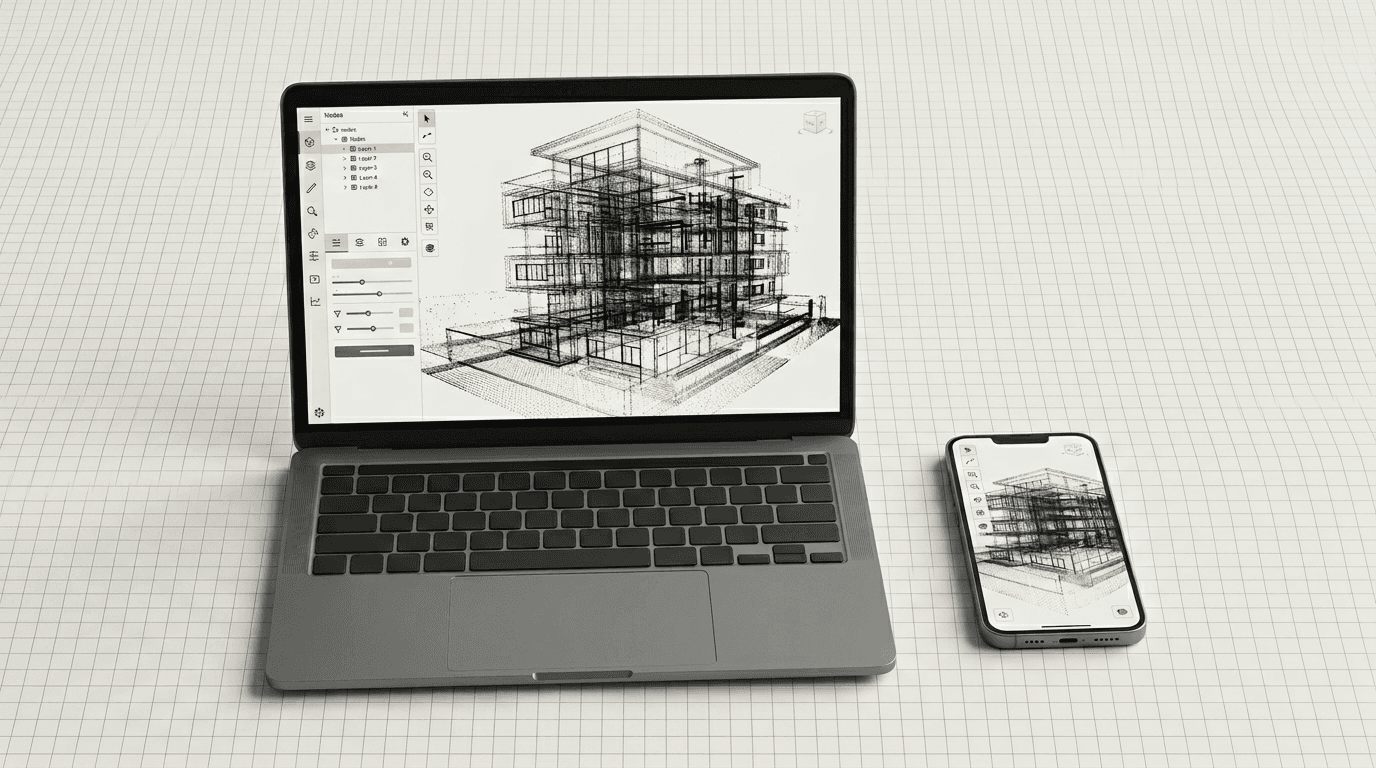
SPLINE360 platform interface on laptop and mobile devices
SPLINE360

The model can be handed off with the object context

BIM model, drawings, point clouds and panoramas can be grouped in one structure so the team sees the context.

  • Model linked with point clouds and panoramas
  • Material links for the project team
  • Comments and clarifications by model zone
  • Structured archive of formats
  • Clear handoff to contractors and clients
Formats

Model delivery formats

  • BIM

    • RVT
    • IFC
    • PLN
  • CAD and drawings

    • DWG
    • DXF
    • PDF
  • 3D models

    • SKP
    • OBJ
    • FBX
  • Source data

    • E57
    • RCP/RCS
    • LAS/LAZ
    • Project archive
Audience

Who needs a BIM model

  • Architects and designers

    To design from factual geometry and release drawings faster.

  • BIM teams

    To receive a prepared model in the required format and structure.

  • Developers and owners

    For reconstruction, operation, inventory and design control.

  • Builders

    For coordination, quantity checks and comparing the model with actual conditions.

  • Restorers

    For a precise digital basis for complex geometry and heritage objects.

FAQ

BIM modeling questions

  • Can you make a model from drawings only?

    Yes, but accuracy depends on drawing quality. For existing objects, point clouds or measured survey data are better.
  • What formats do you deliver?

    Revit RVT, Archicad PLN, IFC, SketchUp SKP, plus DWG/PDF for drawings and OBJ/FBX for 3D tasks.
  • What level of detail is possible?

    Detail is agreed by task: from general geometry to structures, openings, engineering zones and parameters.
  • Can we get drawings with the model?

    Yes. We produce plans, sections, facades, elevations, schedules and a PDF/DWG set by agreed scope.
  • Do you work with third-party point clouds?

    Yes. We check format, density, registration, zone coverage and prepare a model from the supplied data.
  • How long does modeling take?

    Timing depends on area, detail and delivery scope. Small tasks start from several business days.
  • Can you work in our template?

    Yes, if you provide the template, BIM standard, naming rules and parameter requirements.
  • What is needed for a quote?

    Send the point cloud or drawings, area, object type, required format, detail and timeline.

Need a 3D or BIM model of an object?

Send a point cloud, drawings or a task. We will suggest model scope, formats and timeline.

Request a quote

Service: bim-modeling

[EN] How would you like us to contact you?

[EN] Files

[EN] Optional. Up to 15 files, 50 MiB each, ~750 MiB combined. Executable types (.exe, .bat, …) blocked. Passed in memory only — not stored on the site server.

Back to home