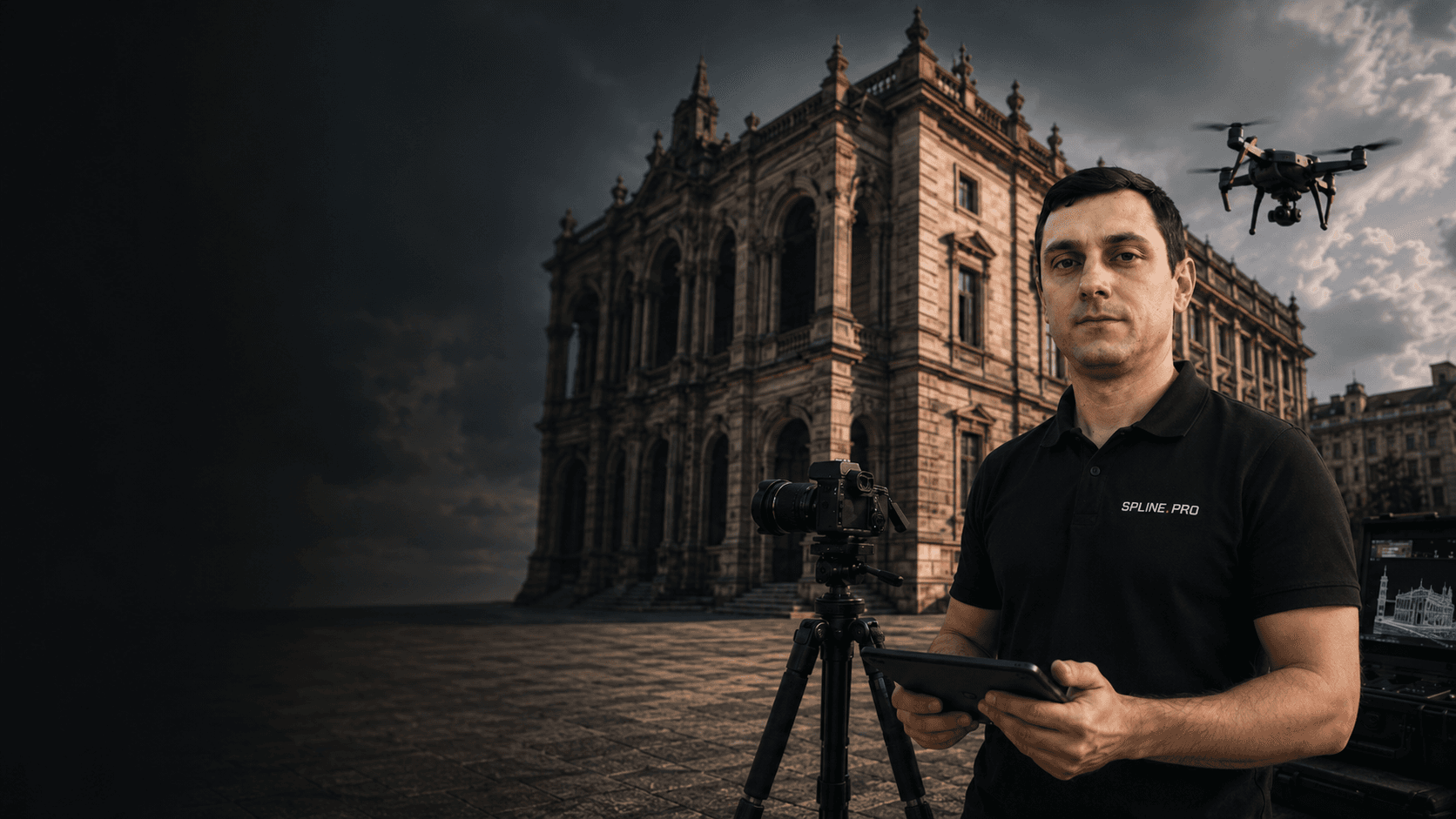
Photogrammetry
and aerial capture

Orthophotos, mesh models and textures
for facades, roofs and heritage objects

Visual capture of complex surfaces and hard-to-reach zones

What you get

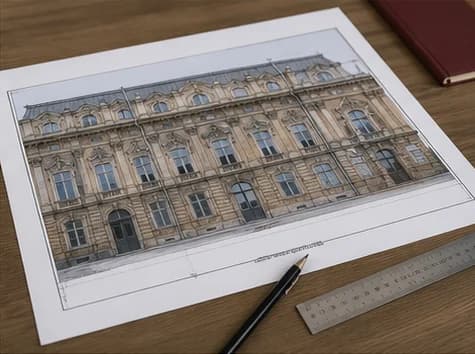
Facade and rooforthophotos

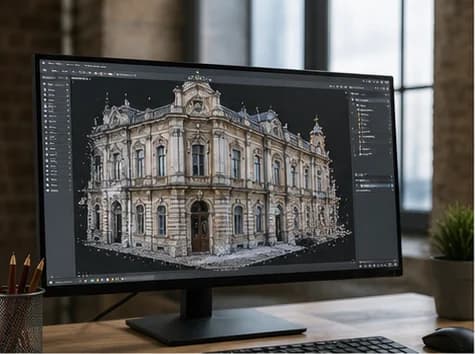
Textured3D model

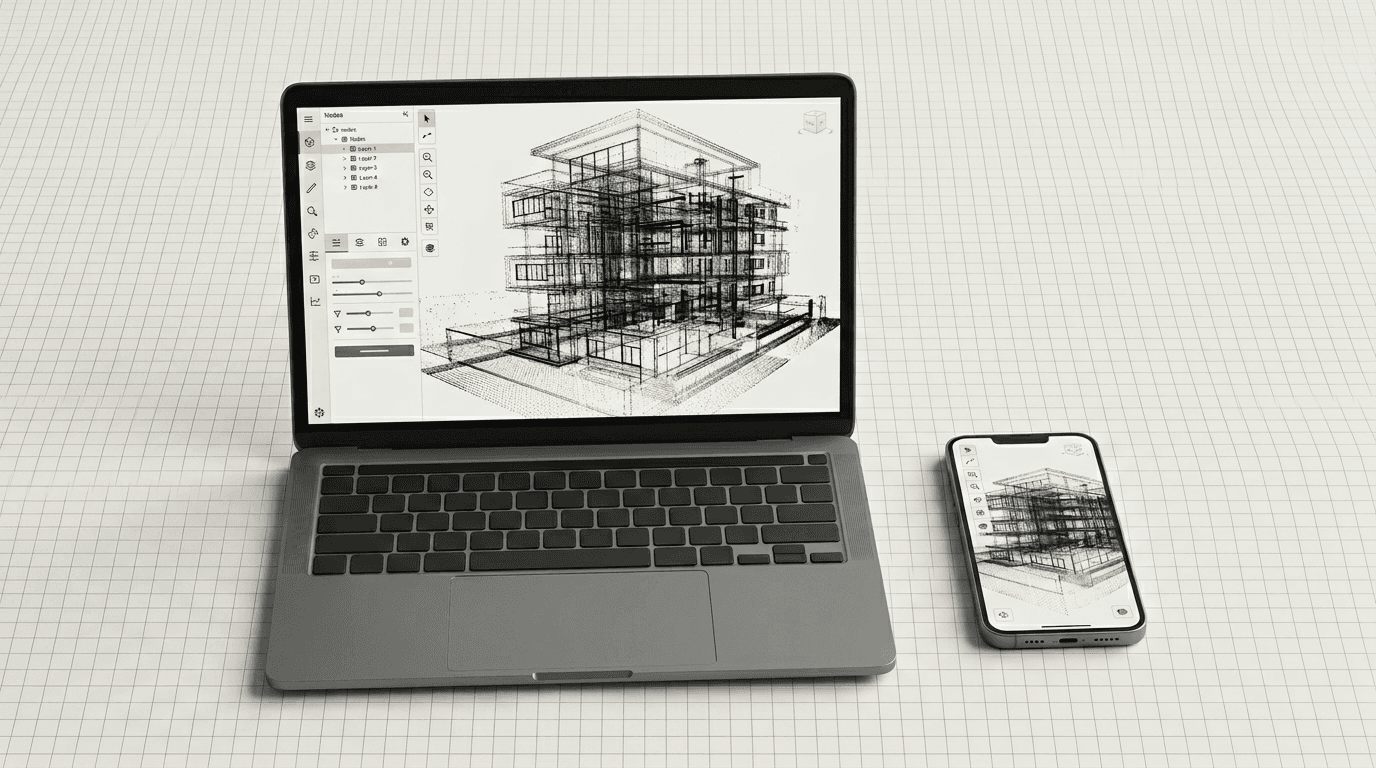
Densepoint cloud

Materialsfor restoration

Use cases

When photogrammetry is needed

  • You need a facade orthophoto

    When a scaled facade elevation is needed with windows, joints, materials, defects, decor and actual surface condition.

  • You need a textured 3D model

    When the visual appearance matters as much as geometry: color, material texture, damage, finishing elements and historic details.

  • The object is complex or hard to access

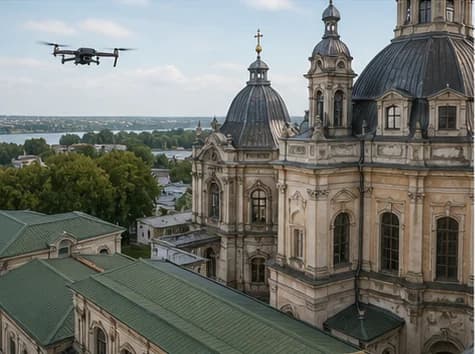
    Roofs, towers, facades, courtyards, territories, industrial sites, monuments, sculptures and decorative elements.

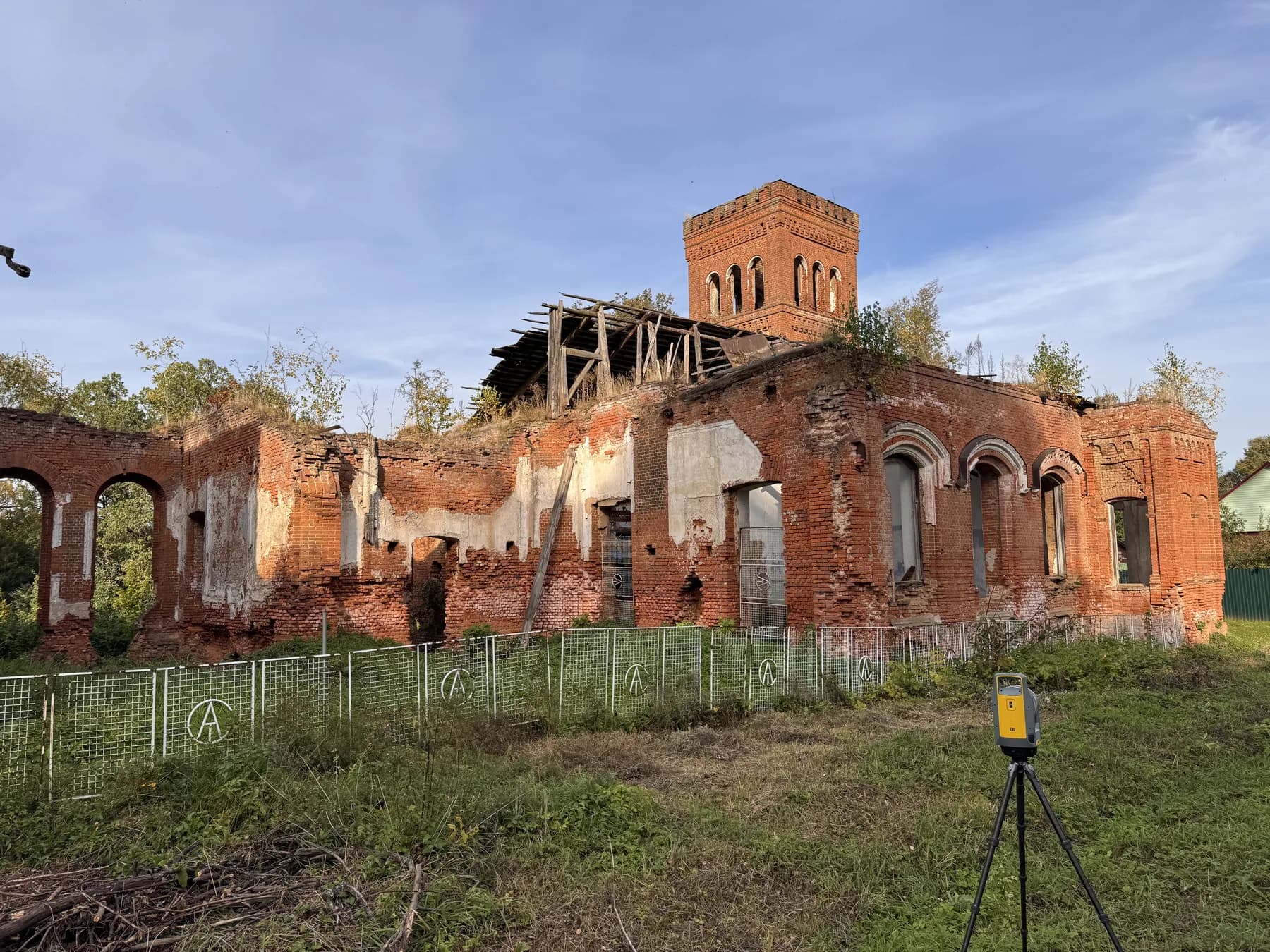
  • You need to record the current condition

    Before restoration, reconstruction, demolition, inspection, design work or handover to contractors.

  • You need to complement laser scanning

    Photogrammetry adds textures, orthophotos, visual detail and restoration or presentation materials to the point cloud.

Deliverables

What the client receives

  • Orthophotos

    • Facade orthophotos
    • Roof orthophotos
    • Site orthophotos
    • Scaled images for drawings
    • Images for restoration documentation
    • TIFF / JPG / PNG / PDF
  • 3D Mesh

    • Textured mesh model
    • OBJ / FBX / GLB / PLY
    • Model for visual analysis
    • Model for restoration and approvals
    • Can be combined with a point cloud
  • Dense cloud / point cloud

    • Dense point cloud from photographs
    • LAS / LAZ / E57 when needed
    • Basis for mesh generation
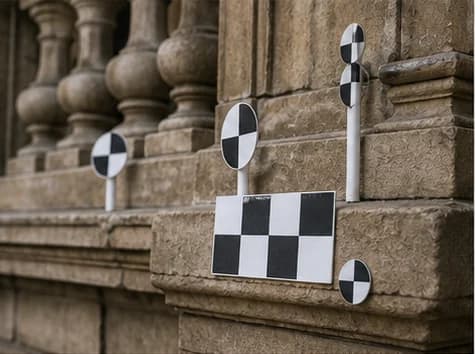
    • Scaling and referencing through control points
  • Project materials

    • Facade unfoldings
    • Defect diagrams
    • Images for reports
    • Materials for restoration documentation
    • Data for CAD / BIM when needed
Estimate

Input data for a quote

For an initial estimate, send the address, object type, approximate dimensions, task, required formats and access constraints. Photos, old drawings or a brief help us estimate the survey faster.

  • Address and object type
  • Approximate dimensions or area
  • Task: orthophoto, mesh, point cloud, report
  • Required output formats
  • Existing photos, drawings or project materials
  • Access constraints, site mode and possible aerial survey limits
Objects

Objects suitable for photogrammetry

  • Building facades
  • Cultural heritage objects
  • Roofs
  • Territories and courtyards
  • Industrial sites
  • Monuments and sculptures
  • Historic buildings
  • Decorative elements
  • Construction sites
  • Complex architectural surfaces
  • Interiors with many details
  • Landscape and site improvement elements
See all objects
Metrics

In numbers

2016
working with engineering digitization of objects
900+
projects per year delivered by the SPLINE.PRO team
3D
models, orthophotos, point clouds and visual materials in one workflow
360°
photo capture and panoramas can complement the project in SPLINE360.SPACE
Process

How the work is done

  1. 01

    Request and task

    The client sends the address, object type, approximate dimensions, task, required formats and access constraints.

  2. 02

    Survey plan

    We define zones, angles, photo overlap, the need for a drone, control points and possible combination with laser scanning.

  3. 03

    Photo or aerial survey

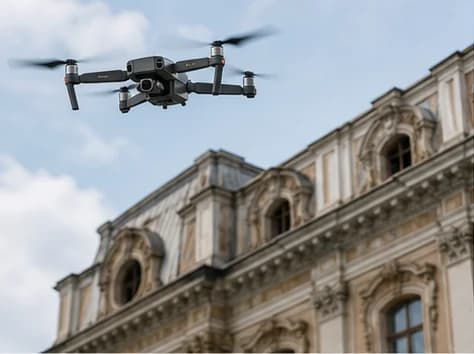
    We survey the object with the required frame overlap, capturing facades, roofs, territories, decor, defects and complex surfaces.

  4. 04

    Photogrammetric processing

    We align photographs, build a dense point cloud, mesh model and textures, then check data quality.

  5. 05

    Orthophotos and export

    We prepare orthophotos, a textured model, point cloud, images and other materials in agreed formats.

  6. 06

    Result handover

    We transfer files and data structure and, when needed, help use the materials in CAD, BIM, reports or restoration documentation.

Workflow

Technologies and tools

  • Photogrammetry tool diagram for RealityCapture

    RealityCapture

    Photo processing, camera alignment, dense cloud generation, mesh models, textures and orthophotos.

  • Photogrammetry tool diagram for Photo and aerial capture

    Photo and aerial capture

    Survey of facades, roofs, territories, decor, construction sites and hard-to-reach zones.

  • Photogrammetry tool diagram for Ground photo capture

    Ground photo capture

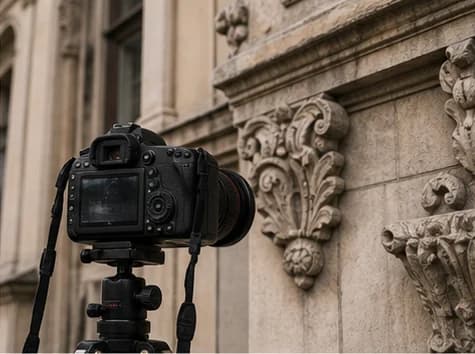
    Capture of facade details, interiors, decor, defects, materials and complex architectural elements.

  • Photogrammetry tool diagram for Control points

    Control points

    Used for scaling, coordinate referencing and improving the reliability of the result.

  • Photogrammetry tool diagram for Laser scanning integration

    Laser scanning integration

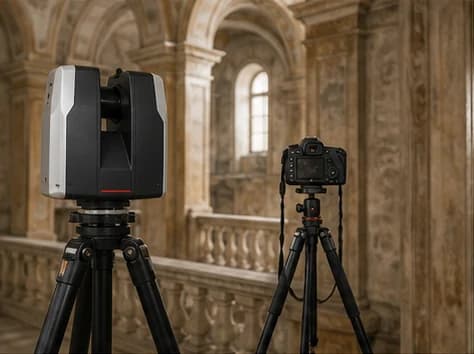
    For tasks with high geometric accuracy requirements, photogrammetry can complement laser scanning with textures, orthophotos and visual materials.

Expert note

When it is better to add laser scanning

Photogrammetry is strong where textures, orthophotos, mesh and visual surface capture are needed. But for high geometric accuracy, complex interiors, engineering systems and BIM modeling, a combination of photogrammetry and laser scanning is often the better choice.

  • High geometric accuracy is required
  • Many rooms and interior spaces
  • A BIM model is required
  • Engineering systems must be captured
  • Coordinate referencing is required
  • The object has complex geometry and few visual features
Export

Delivery formats

  • 3D models

    • OBJ
    • FBX
    • GLB / GLTF
    • PLY
    • STL when needed
  • Point clouds

    • LAS
    • LAZ
    • E57
    • XYZ when needed
  • Orthophotos and images

    • TIFF
    • JPG
    • PNG
    • PDF
  • CAD / BIM when needed

    • DWG
    • DXF
    • IFC
    • RVT / PLN
  • Reports

    • PDF
    • Image album
    • Defect diagrams
    • Materials for restoration documentation
Teams

Who it is for

  • Restoration teams

    For capturing facades, decor, losses, damage and materials for restoration documentation.

  • Architects and designers

    For orthophotos, facade unfoldings, models and visual data on existing objects.

  • Developers and owners

    For digital condition capture, surveys, reconstruction and data handover to contractors.

  • Construction companies

    For recording current conditions, checking roofs, facades, territories and construction stages.

  • Museums and heritage owners

    For preserving a digital copy of an object, decor elements, monuments, sculptures and historic surfaces.

FAQ

Frequently asked questions

  • How does photogrammetry differ from laser scanning?

    Photogrammetry builds a model from photographs and works well for textures, orthophotos and visual surface capture. Laser scanning provides more reliable geometry and point clouds for accurate measurement, BIM and design. The two technologies are often used together.
  • What can be delivered from photogrammetry?

    Orthophotos, a textured 3D mesh model, a dense point cloud, facade images, materials for reports, restoration documentation and further modeling.
  • Is photogrammetry suitable for facades?

    Yes. Photogrammetry is well suited for facades, especially when orthophotos, textures, decor, damage, joints, materials and visual surface condition are needed.
  • Can a drone be used?

    Yes, if it is technically possible and compatible with the object conditions. Aerial survey can be used for roofs, territories and hard-to-reach zones. Flight conditions and restrictions are discussed before the site visit.
  • Are control points required?

    Not always for simple visual tasks. For scaling, coordinate referencing, orthophotos and improved accuracy, control points and geodetic referencing may be used.
  • What is the accuracy of photogrammetry?

    Accuracy depends on survey quality, distance to the object, optics, photo overlap, lighting, control points and surface type. For tasks where geometric accuracy is critical, it is better to use photogrammetry together with laser scanning.
  • Can a BIM model be made from photogrammetry?

    It can, but photogrammetry is more often used as an additional data source: textures, orthophotos, mesh and visual capture. Accurate BIM models usually rely on laser scanning or a combination of technologies.
  • Which objects are poorly suited for photogrammetry?

    Glossy, transparent, plain, poorly lit, moving or heavily occluded surfaces can process worse. These limitations should be considered when planning the survey.
  • How are large files transferred?

    Files are transferred through an agreed cloud storage, an archive link or via SPLINE360.SPACE if the project is managed on the platform.

Get a photogrammetry quote for your object

Describe the object, materials and formats you need — we will advise whether photogrammetry is enough or a combined survey is a better fit.

Request a quote

Service: photogrammetry

[EN] How would you like us to contact you?

[EN] Files

[EN] Optional. Up to 15 files, 50 MiB each, ~750 MiB combined. Executable types (.exe, .bat, …) blocked. Passed in memory only — not stored on the site server.

Back to home